Your calendar, your way.
Create a calendar that fits your plans and your style. Build monthly or yearly layouts, add events, and customise the look to match your project.
What you can do
Purpose-built functionality crafted for daily workflows.
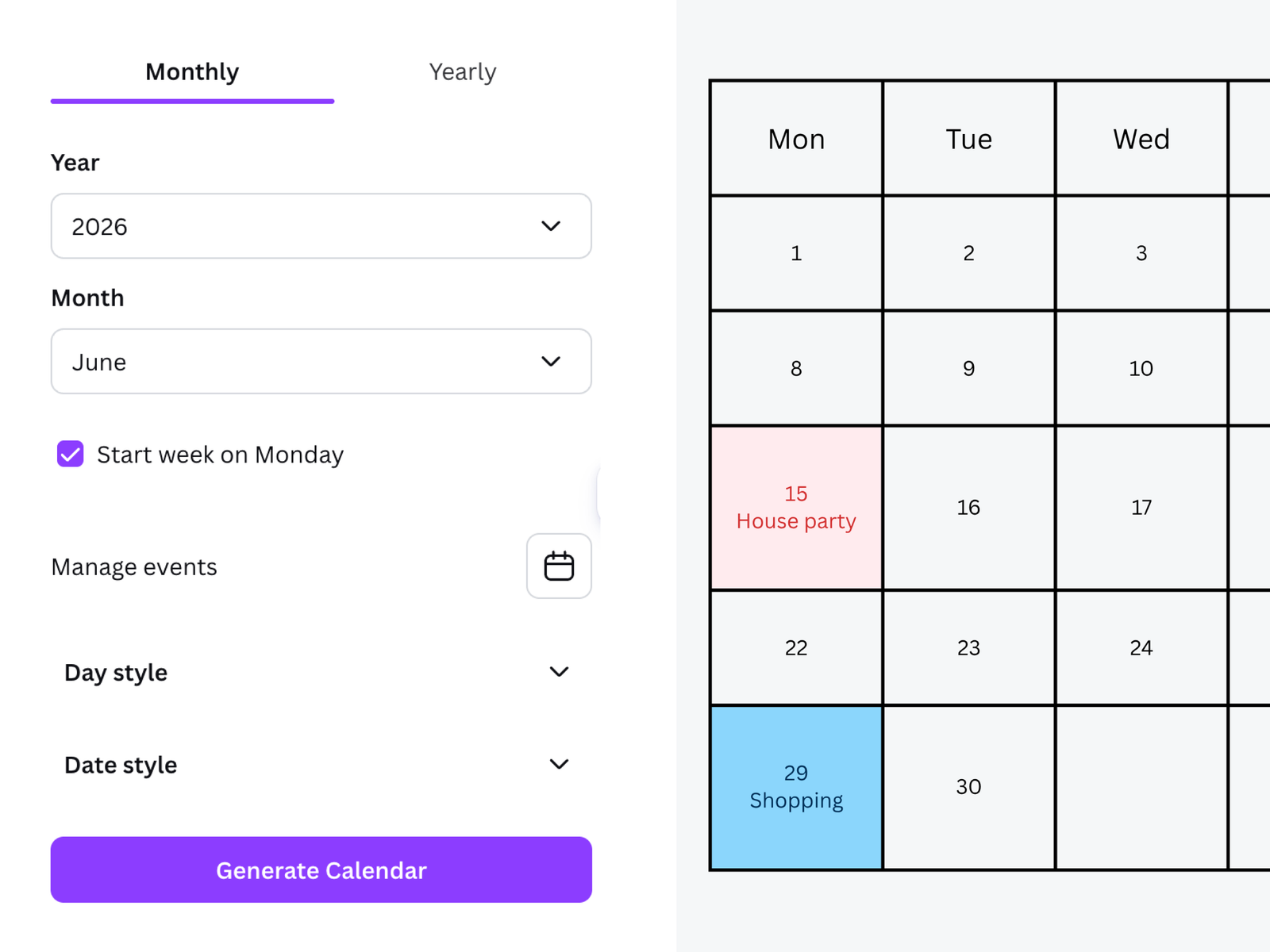
Create monthly and yearly calendars
Choose the calendar layout that suits the way you want to plan or present your year.
Add your events
Use the event manager to add important dates to your calendar.
Make it your own
Personalise your calendar with a range of customisation options.
How it works
01 · Choose a layout
Start with a monthly or yearly calendar.
02 · Add your events
Enter the dates and events you want to include.
03 · Customise your calendar
Adjust the design to suit your needs, then use it in your Canva project.
Interface & Output Gallery
A calendar should help you see what matters at a glance. Calendar Studio makes it easier to create one that suits your plans, whether you’re putting together a personal planner, a family calendar, or a calendar design for a project.
Choose a monthly or yearly layout, add your events with the event manager, and customise the result in Canva.
Frequently asked questions
Can I create both monthly and yearly calendars?
Can I add my own events?
Can I use the designs and outputs for commercial projects?
More from Craft Mage
Explore other tools we've made to help you get things done.