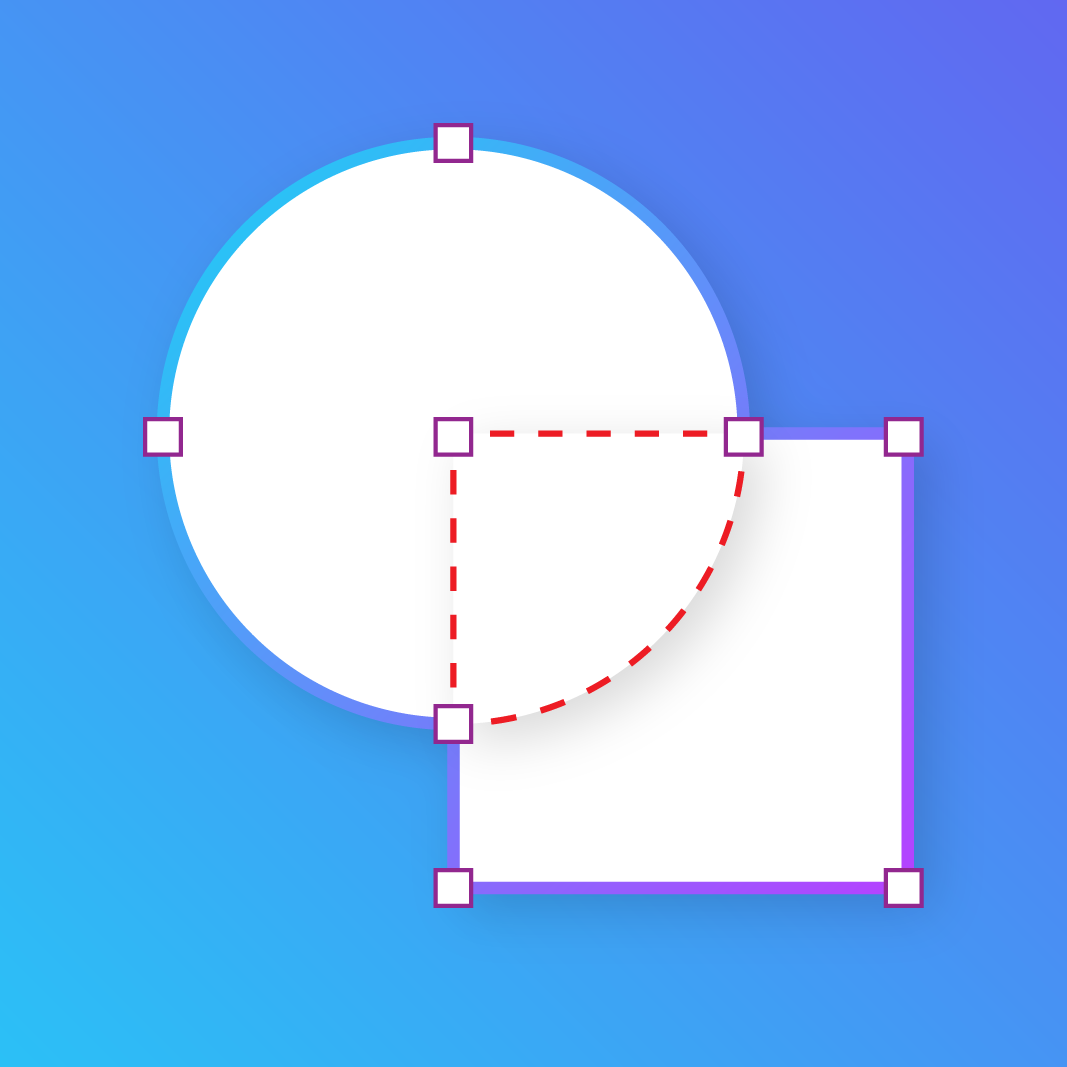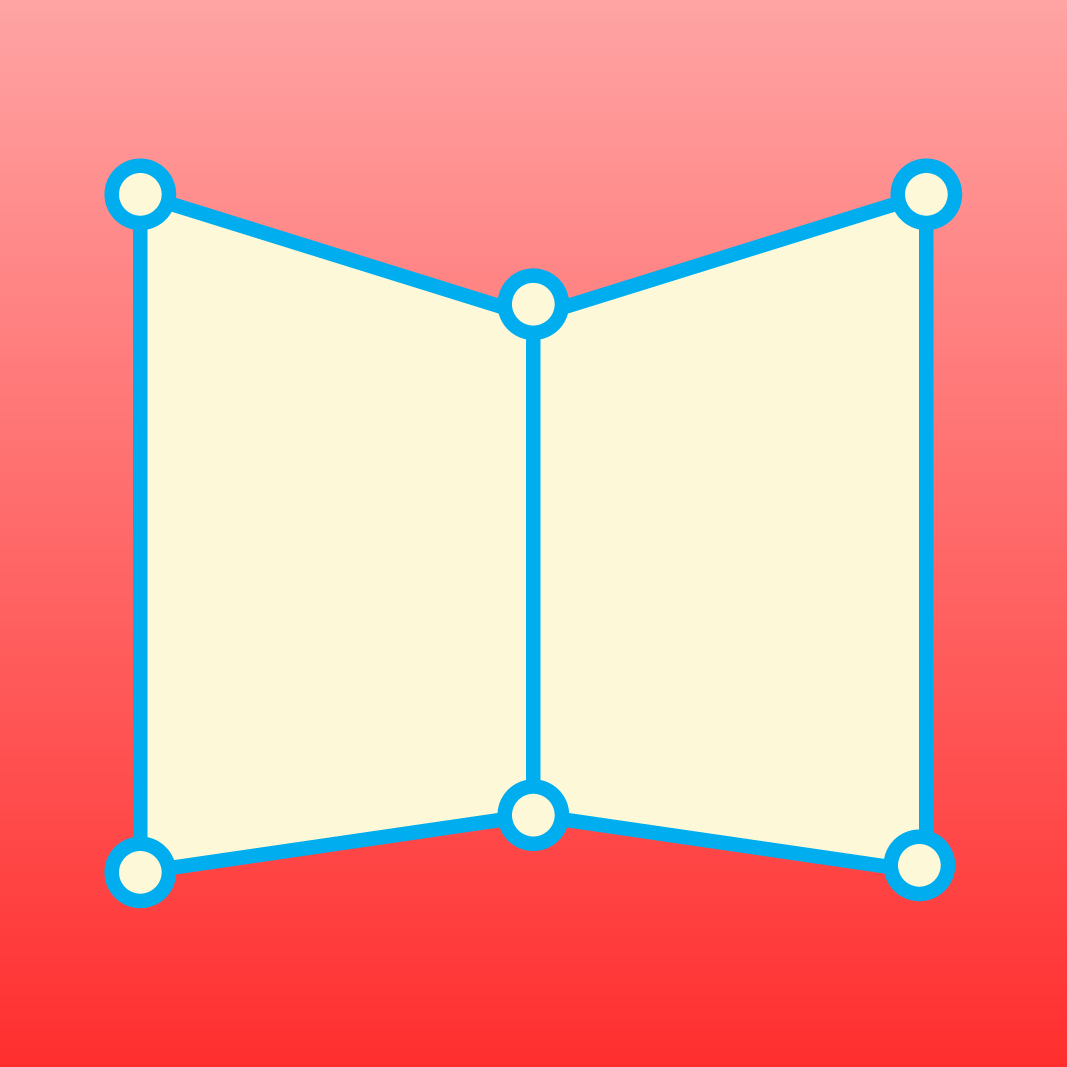
Give flat designs a more realistic fit.
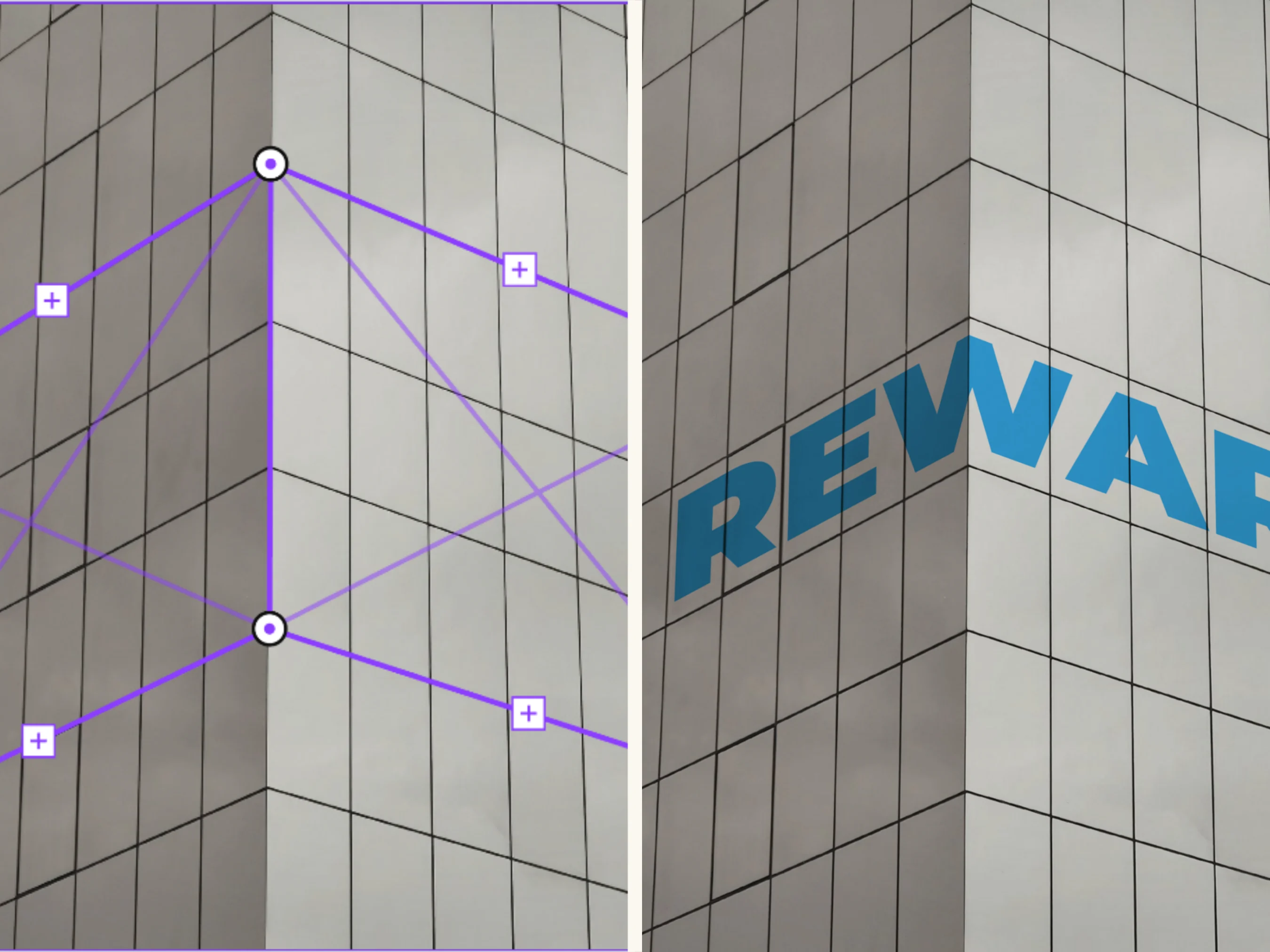
Make your artwork follow the shape of a surface. Rewarp helps you wrap designs around corners and angled areas, so your mockups feel more natural.
What you can do
Purpose-built functionality crafted for daily workflows.
Wrap designs around surfaces
Adjust artwork to fit around corners and other shaped areas.
Create more convincing mockups
Give product designs a more natural sense of angle and depth.
Work right inside Canva
Shape your design as part of your existing Canva workflow.
How it works
01 · Choose your design
Open the Canva design you want to work on.
02 · Adjust the artwork
Use Rewarp to shape the design around the surface or corner.
03 · Refine your mockup
Review the result and make any final adjustments to your design.
A design can look great on a flat canvas but feel less convincing when it needs to sit on a shaped or angled surface. Rewarp helps bridge that gap.
Use it to wrap artwork around corners and surfaces, adding a more realistic fit to product mockups without leaving Canva.
Frequently asked questions
What is Rewarp for?
Can I use it in Canva?
Can I use the designs and outputs for commercial projects?
More from Craft Mage
Explore other tools we've made to help you get things done.